Golf Simulator Cost Guide
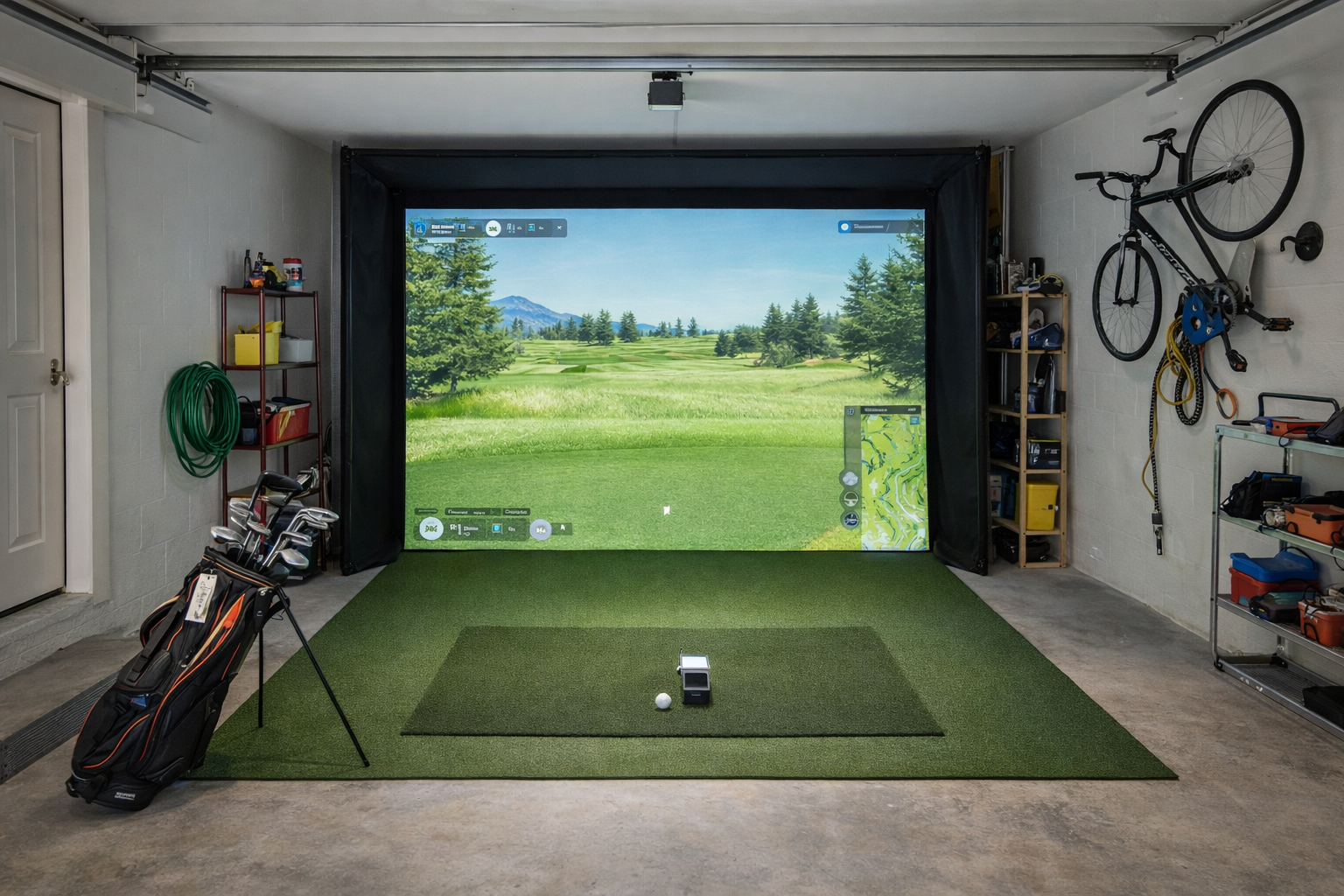
The mistake most buyers make on cost is assuming the decision is simple: cheap setup versus expensive setup. The real question is whether you are spending at the right level for your room, your expectations, and how polished you want the experience to feel.
A lower-cost setup can be smart. A more expensive setup can also be smart. What gets expensive fast is buying the wrong level of simulator for the room and then trying to fix the mismatch with more gear.
How this site makes recommendations
IndoorGolfSetup.com sorts setups and products by room fit, budget realism, and long-term livability. Read How We Evaluate Golf Simulator Gear for the full methodology.
What changes as you spend more
- The monitor usually gets easier to live with indoors. You pay for cleaner fit, better long-term satisfaction, or fewer compromises.
- The room starts to feel more finished. Better enclosure, cleaner projector fit, fewer obvious workarounds.
- The mat gets better. This matters more than many buyers expect, especially on concrete floors.
- The friction drops. A polished setup is usually easier to use often.
Starter budget: good enough, not glamorous
This tier works for buyers who want a way into simulator golf without pretending they are building the final dream room on day one. The right version of this build usually means a budget monitor, a simpler net or basic containment setup, and a willingness to leave some polish for later.
The mistake here is trying to fake a premium build instead of building an honest starter setup.
Value-focused budget: where many buyers should start
This is the sweet spot for a lot of home users. The setup starts to feel more complete, the monitor choice gets better, and you can stop spending every session thinking about what is missing.
This is usually where the site starts pushing buyers away from the absolute cheapest option and toward the smartest option for the room.
Serious home sim budget: where the setup starts to feel worth it
This is where buyers often stop asking, “Can I make this work?” and start asking, “What setup will I still be happy with next year?” Better indoor monitors, better mats, stronger projector paths, and cleaner enclosures all start making more sense here.
Premium dedicated-room budget: best for committed buyers
This tier is not just about better numbers. It is about a room that feels finished, less compromised, and easier to enjoy regularly. It makes the most sense when the simulator is becoming a real part of home life rather than a fun experiment.
Where the money actually goes
- Launch monitor: usually the biggest line item and the part most likely to be overbought or underbought.
- Mat: easy to underestimate, especially if the setup lives over concrete.
- Enclosure or net: drives containment, room feel, and part of the projector decision.
- Projector or display: not always the first upgrade that matters, but a big spend when the room is ready for it.
- Software and hardware: sometimes overlooked until buyers realize they need more than just the launch monitor.
Where to save money first
- Delay projector polish until the rest of the setup is right.
- Buy the right enclosure size for the room instead of the biggest one you can imagine.
- Choose the right monitor for the room instead of the device with the best marketing story.
- Start with a cleaner starter build instead of trying to fake a premium room on a starter budget.
Where not to cheap out
- Mat quality. Bad mats can turn an otherwise decent build into something you avoid.
- Obvious room-fit mismatches. You cannot buy your way out of a bad fit later.
- Containment and safety. A setup that feels sketchy will not feel relaxing to use.
- The wrong launch monitor for the room. This is where a lot of false economy happens.
Cheapest possible is not the same as cheapest worthwhile
That line matters on this site. A cheap setup is only a good value if it still suits the room and the buyer. If the setup is frustrating enough that you avoid it, the cheaper build was not the bargain.
Bottom line
Spend enough to build the right level of simulator for your room and goals, then stop. The smart build is not the cheapest one or the flashiest one. It is the one that feels good enough to use regularly without regretting the spend.
See what you actually need Compare DIY vs package See the best budget launch monitors See full setup paths